
Canon Photocopier on Rent: Choosing Features Over Brand Familiarity
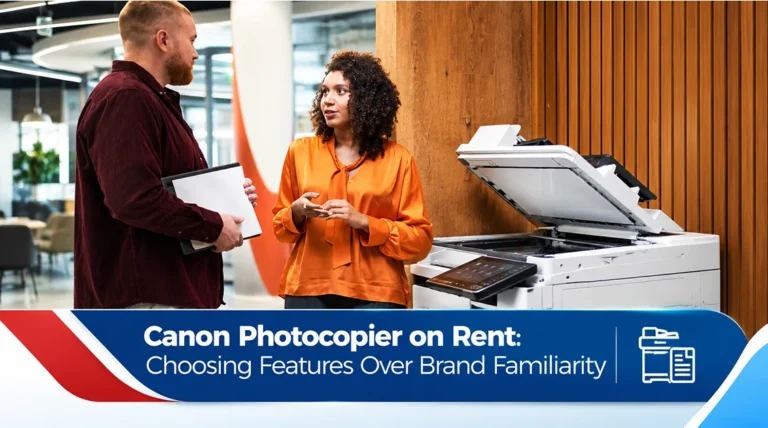
Brand familiarity may simplify training, but requirements still determine whether a specific Canon model is appropriate. For an office evaluating canon photocopier on rent, the practical challenge is to keep documents available at the right quality and speed without paying for equipment the team does not need. Saksham Office Automation provides printer and photocopier rental options; the right arrangement depends on actual print volume, service needs and the selected machine.
Start with the documents people actually produce
A school may need large batches of worksheets and automatic duplex output, while a showroom needs occasional colour marketing pages. That pattern should shape capacity, paper handling, colour requirements and scanning features. Procurement teams often begin with a requested brand or device size, but a short review of real sample documents usually reveals a more useful specification.
Count both the average month and the busiest week. Note how many people print simultaneously, whether documents include confidential records, and whether teams need A3, duplex output, stapling or searchable scans. A smaller device can be an excellent fit for moderate use, while a higher-capacity model may reduce queues during heavy production periods.
Build an informed comparison, not just a price comparison
Request a device specification and demonstration, then confirm scanning, trays, finishing, toner, support and replacement terms. Ask each supplier to quote against the same usage assumptions. A comparison is difficult when one proposal includes service and another excludes it, or when one price assumes black-and-white prints while your office mainly produces colour.
For an apples-to-apples comparison, request the machine model, expected duty level, included services, consumable rules, install requirements, billing frequency, minimum commitment and end-of-contract process. An equipment quote should also explain how users will report faults and who coordinates maintenance when normal operations are disrupted.
Avoid the mistake that creates hidden operating cost
A brand name does not guarantee that a particular model handles the required daily volume. Review what happens when usage changes: a new team joins, an office relocates, a project ends or colour requirements expand. Flexibility is useful only if the contract describes how the machine or service plan can change.
Document access also matters. Shared machines may hold scanned pages, stored print jobs or address books. Ask IT to review user permissions and end-of-term data handling wherever confidential information is involved. A practical print policy can reduce waste without slowing legitimate work.
What to discuss with the provider before installation
Availability and service scope should be checked for the actual site and chosen machine. Confirm floor space, power, network access, number of users and any special delivery constraints before arranging setup. If staff need scan-to-email or scan-to-folder functions, define the destinations and permissions in advance; configuration should be part of the rollout plan rather than an afterthought.
Explore Canon Photocopier On Rent alongside printer rental services to compare the type of machine and plan that fits the business. Teams with more complex fleets can also review managed printer services before choosing how support will be organised.
A practical five-point checklist
- Record average monthly pages and peak-day demand.
- Confirm colour, monochrome, A3, scanning and secure-access needs.
- Request one written quotation with equipment, click rules and support scope.
- Agree installation, network setup and fault escalation responsibilities.
- Review contract flexibility, data handling and end-of-term conditions.
Frequently asked questions
Is canon photocopier on rent suitable for a small office?
It can be, if the selected model and billing structure match realistic print volume rather than a larger company’s workload.
Should I compare monthly rental or total cost?
Compare the total expected cost over the intended term, including service, pages, consumables, installation and possible changes.
Can the equipment be changed if usage grows?
Some arrangements allow upgrades or substitutions, but availability and contract terms should be confirmed with the provider.
What should I include in an enquiry?
Share the site location, monthly pages, peak demand, colour share, users, paper size, scanning needs and desired duration.
Conclusion
Canon Photocopier On Rent should solve a defined workflow problem, not simply add another machine to the office. Clear usage data, consistent quotations and documented support terms help businesses choose with confidence.
To discuss a suitable configuration, contact Saksham Office Automation with your document requirements and preferred location.